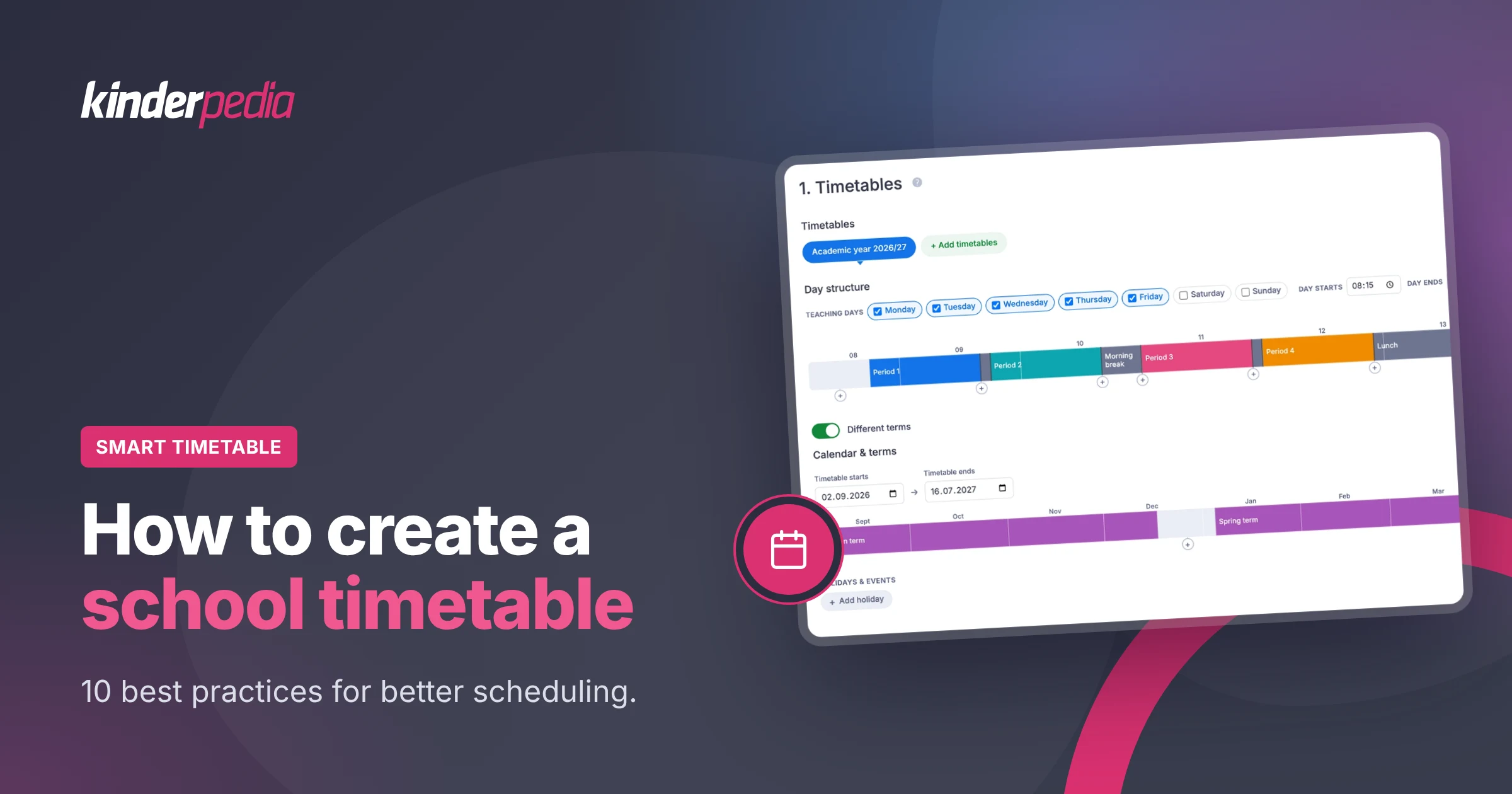
How to create a school timetable: 10 best practices for better scheduling
Knowing how to create a school timetable well pays off all year. A good timetable does more than fit lessons into a week. It helps students learn without unnecessary interruptions, gives teachers a manageable schedule, and keeps the entire school running smoothly.
But getting there is rarely simple.
Every new school year brings the same challenge. Teaching allocations are still changing, some teachers work across several schools, specialist rooms are in high demand, and everyone has scheduling preferences.
One change can affect several classes, teachers, and rooms. What looked like a perfectly reasonable timetable on Monday may need another round of adjustments by Wednesday.
The good news? A little preparation and the right approach can make school timetable scheduling much easier.
In short: to create a school timetable that works, start with accurate school data, separate essential rules from preferences, and plan the hardest constraints first: teacher availability, specialist rooms, and electives. Then generate a workable draft, test it for conflicts, and publish one official version that everyone can follow.
Whether you're working with spreadsheets or using an automatic school timetable generator, these ten best practices will help you build a timetable your entire school can rely on.
Why is creating a school timetable more complicated than it looks?
At first glance, building a school timetable seems straightforward. You have a certain number of lessons, teachers to deliver them, and rooms where they can take place.
The difficulty comes from making everything work together.
A mathematics teacher may only be available on three days. A science class needs a laboratory that several year groups share. Two language groups need to run at the same time, while a part-time teacher has to travel between campuses.
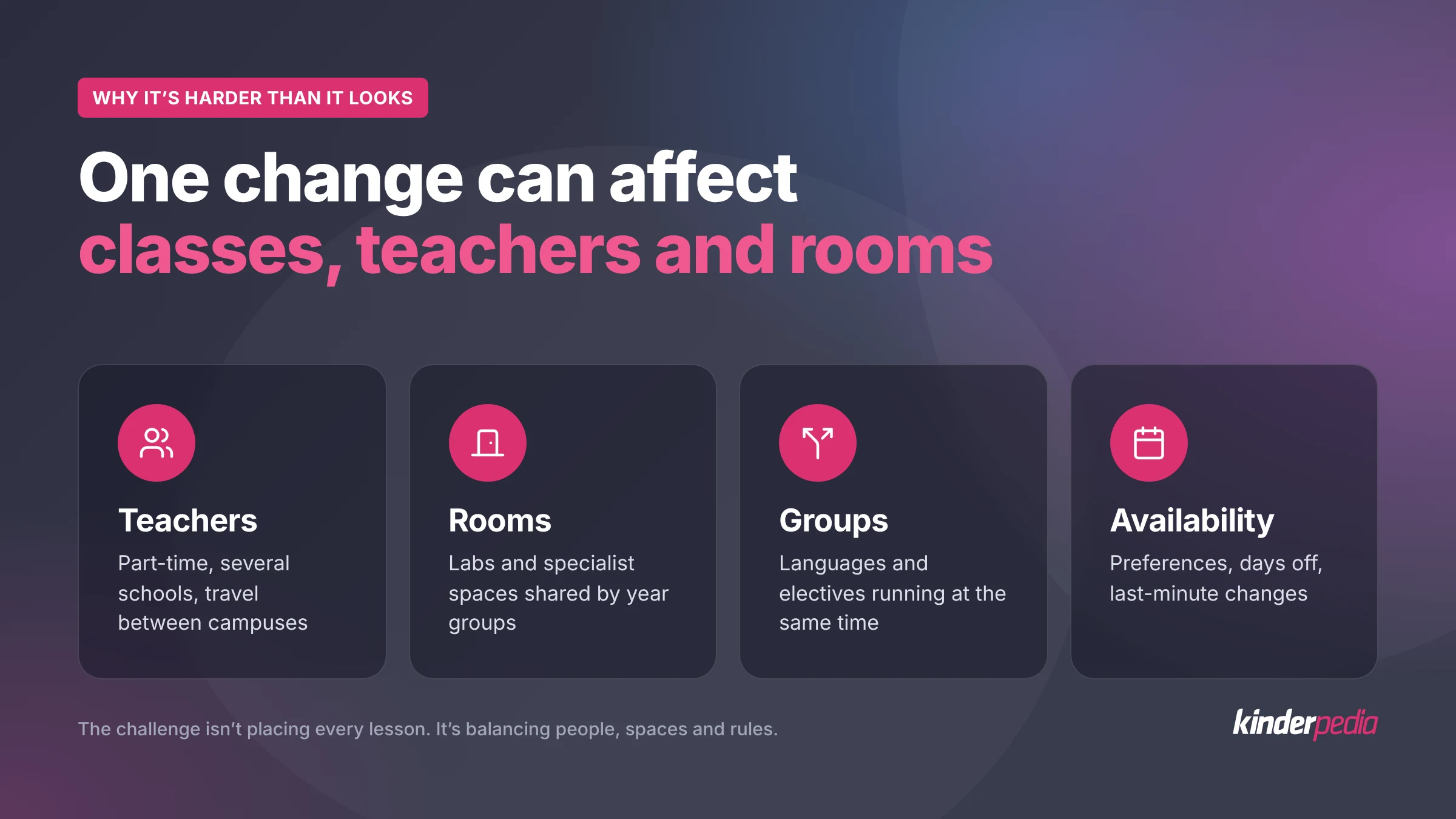
And that's before considering the students' experience.
A timetable that looks efficient on paper might leave students waiting between lessons or teachers with long gaps in their schedules.
The challenge isn't simply finding a place for every lesson. It's finding the best workable balance between all the people, spaces, and rules involved.
That's why learning how to create a school timetable starts well before anyone clicks the Generate button.
10 best practices for building a school timetable that works
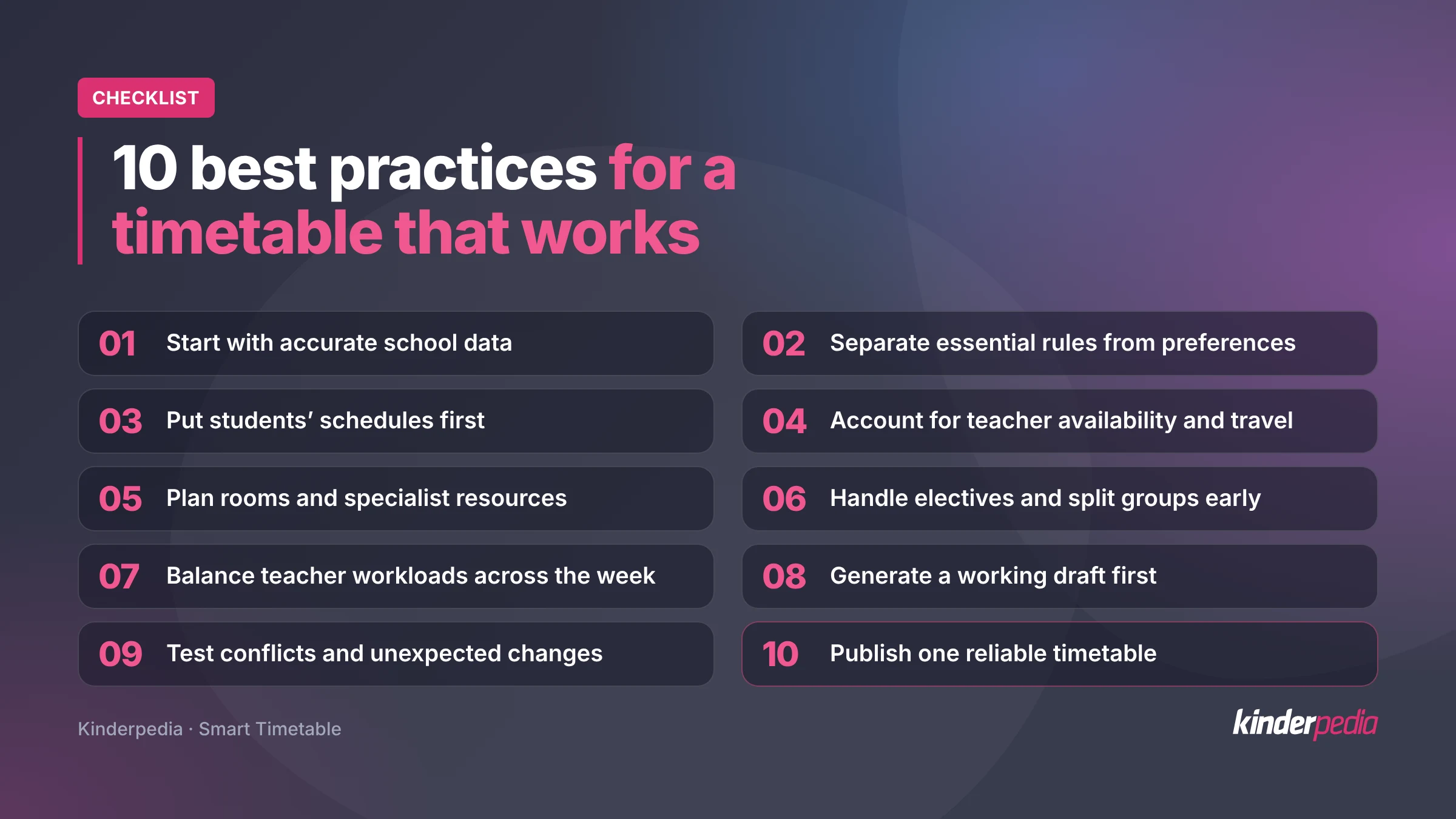
Here is how to create a school timetable that works, with the full checklist at a glance. Each step is explained below, with a practical tip you can apply this school year.
1. Start with accurate school data
Before building your timetable, make sure you're working with the right information.
This means reviewing your classes, subjects, teaching allocations, rooms, lesson requirements, and the number of periods available each week. In England, for example, the Department for Education expects state-funded mainstream schools to deliver a school week of at least 32.5 hours.
It sounds obvious, but even a small mistake can create problems later. If a teacher's weekly workload is incorrect or a room is listed as available when it isn't, the timetable may look fine until someone notices the conflict.
Ask department heads to confirm their teaching allocations and check any changes from the previous academic year.
Practical tip: Create one central checklist for your scheduling data. Include teachers, classes, subjects, groups, rooms, weekly lesson requirements, and availability. Validate it before generating your first timetable.
Accurate data won't guarantee a perfect timetable, but it will prevent unnecessary work.
2. Separate essential rules from preferences
Not every scheduling request has the same importance.
Some rules are non-negotiable. A teacher cannot teach two classes simultaneously, a laboratory cannot host two groups at once, and a class must receive its required number of lessons.
Others are preferences. A teacher might prefer not to start early on Fridays. A department might favour double lessons on certain days. These requests matter, but they may need to be adjusted when the schedule becomes too restrictive.
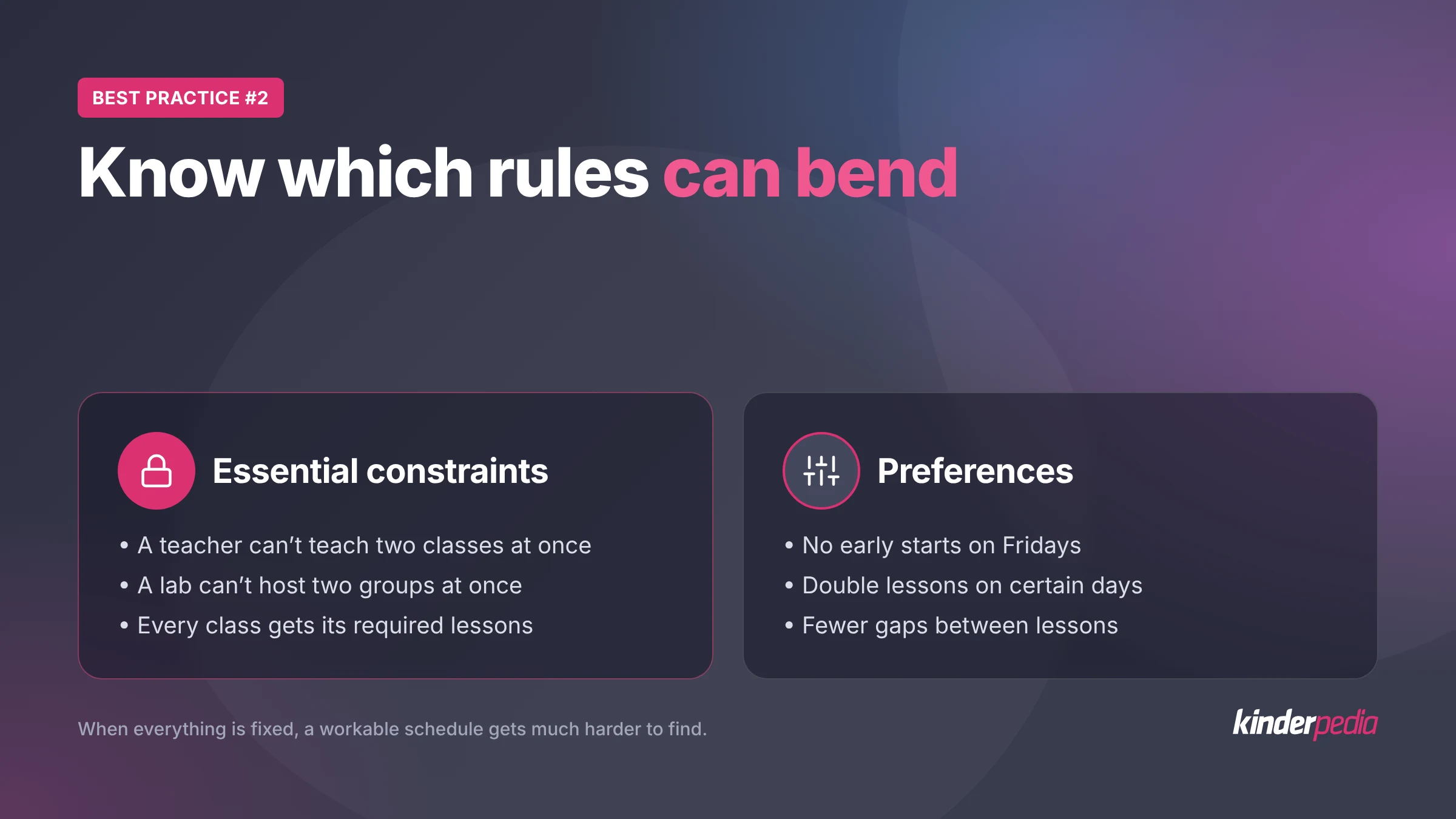
The secret is knowing which rules must always be respected and which ones offer some flexibility. When everything becomes a fixed requirement, finding a workable schedule gets much harder.
Practical tip: Divide your scheduling requirements into two categories: essential constraints and preferences. Prioritise the rules that protect teaching requirements, student continuity, and resource availability.
This also makes decisions easier when competing requests cannot all be accommodated.
3. Put students' schedules first
A good timetable should support the way students learn, not simply accommodate administrative constraints.
Start by looking at the continuity of the school day. Are students moving smoothly from one lesson to the next? Are there unnecessary gaps? Have you allowed enough time for breaks and movement between classrooms?
For younger students, a predictable daily routine is particularly valuable. Older students may have more complex schedules, especially when choosing optional subjects or attending lessons in different groups.
Think about the distribution of demanding subjects, too. While every school has different needs, it's worth avoiding schedules where several particularly intensive lessons are concentrated in one day while other days are much lighter.
Practical tip: Review every draft timetable from a student's perspective. Follow a typical school day from the first lesson to the last and look for long waits, difficult transitions, or avoidable interruptions.
A timetable is successful when it works for the people who follow it every day.
4. Account for teacher availability and travel time
Teachers' schedules are among the most challenging parts of timetable planning.
Some teachers work part-time. Others divide their hours between different schools or campuses. Specialist teachers may only be available on particular days. If these constraints aren't considered from the beginning, they can force significant changes later.
Imagine a French teacher who works at three schools. They may be available at your school only on Tuesdays and Thursdays, with travel time needed between locations. Scheduling their lessons without considering these details can make an otherwise valid timetable impossible to follow.
Practical tip: Collect teacher availability early and review it carefully. Include part-time arrangements, external commitments, travel time, and any genuinely unavailable periods.
When generating the timetable, try to reduce unnecessary gaps and distribute teaching hours reasonably across the week. This is one area where an automatic timetable generator can help schools manage several overlapping constraints without checking every possible combination manually.
5. Plan rooms and specialist resources
Not all classrooms are interchangeable.
Science laboratories, sports halls, art studios, computer rooms, and specialist facilities often have limited availability. A room may also be suitable for one group but too small for another.
Before scheduling lessons, identify the spaces that are in highest demand and the activities that genuinely require them. For example, a science lesson involving laboratory work may need dedicated equipment, while a theory lesson could take place in a regular classroom. Treating both as requiring the laboratory would unnecessarily restrict your options.
Practical tip: Create an inventory of specialist rooms, including capacity, equipment, availability, and alternative spaces. Schedule the most difficult room requirements first, then build the more flexible lessons around them.
The aim is to make better use of the resources your school already has.
6. Handle electives and split groups early
Optional subjects and split groups add another layer of complexity.
Students may study different foreign languages, choose specialist courses, or move between groups depending on their educational pathway. A single class might divide into two or three smaller groups, each taught by a different teacher.
These lessons often need to take place simultaneously, but they also depend on teacher availability, room capacity, and students' subject choices. Leaving them until the end can create difficult conflicts.
Practical tip: Map your optional subjects, group combinations, and simultaneous lessons before generating the main timetable. Identify which activities must run together and check that students, teachers, and rooms are available for each combination.
This is especially important for international schools and secondary schools offering multiple subject pathways.
7. Balance teacher workloads across the week
A timetable can be technically correct and still be exhausting to follow.
One teacher might have six consecutive lessons on Monday and only two on Thursday. Another may spend most of Wednesday at school despite teaching just a few periods. These arrangements can affect preparation time, workload balance, and the overall experience of the teaching team.
Of course, some unevenness is unavoidable. The goal is not to make every day identical, but to avoid unnecessary extremes.
Practical tip: Review the number of lessons per day, consecutive teaching periods, and gaps between lessons for each teacher. Look for opportunities to distribute workloads more evenly without compromising the students' timetable.
A school timetable should be manageable for teachers throughout the week, not just mathematically possible.
8. Generate a working draft before trying to make it perfect
One of the biggest timetable planning mistakes is trying to satisfy every preference from the beginning. When too many conditions are introduced at once, it can become difficult to understand why a schedule isn't working.
A better approach is to start with the essentials. Generate a timetable that respects teaching requirements, availability, and critical room constraints. Then review it and gradually improve the result.
This gives your team something concrete to work with instead of endlessly searching for an ideal arrangement.
Practical tip: Save your initial workable version before making major changes. Compare subsequent drafts so you can see whether adjustments actually improve the overall schedule.
Remember that scheduling is an iterative process. You don't need perfection on the first attempt. You need a reliable starting point and a practical way to improve it.
9. Test conflicts and unexpected changes
Even a carefully prepared timetable can be disrupted. A teacher's availability changes. A classroom becomes unavailable. A new group needs to be accommodated. A subject allocation is revised.
Before publishing, test how your timetable responds to common changes. Look beyond obvious double bookings. Check whether moving one lesson creates a gap elsewhere, makes another room unavailable, or affects a teacher who works across several locations.
Practical tip: Run a final conflict review for teachers, classes, student groups, and rooms. Then test a few realistic scenarios involving last-minute changes.
When a conflict appears, try to understand its cause rather than immediately moving lessons around. A good timetable generator should help identify which requirements cannot be satisfied together, making it easier to decide what can be adjusted.
10. Publish one reliable timetable everyone can follow
Creating the timetable is only half the job. The other half is making sure everyone knows which version is correct.
In many schools, the final schedule travels through spreadsheets, printed documents, emails, and messaging groups. Then a change happens. Someone updates the Excel file, another person prints an older version, and a teacher receives a photograph of a timetable that is no longer accurate.
Suddenly, even a well-designed schedule creates confusion.
Practical tip: Establish one official place where the school timetable is published and updated. Make sure teachers, students, and families know where to find it. When changes are necessary, communicate when the new version takes effect.
This is where having a timetable connected to your everyday school management system can make a real difference.
Manual vs automatic timetable generation: what's the difference?
Many schools still create their timetables manually, often with spreadsheets. For smaller institutions with a limited number of classes, this approach can work reasonably well. You can see the schedule, make adjustments, and control every decision.
But as the number of teachers, rooms, groups, and restrictions increases, manual planning becomes much harder. Moving one lesson may require checking several other schedules. A small change can trigger a chain of adjustments that takes hours to resolve.
An automatic school timetable generator approaches the problem differently. Instead of manually testing arrangements, the software evaluates possible combinations according to the information and rules provided. This can make it easier to identify workable solutions, explore alternatives, and understand conflicts.
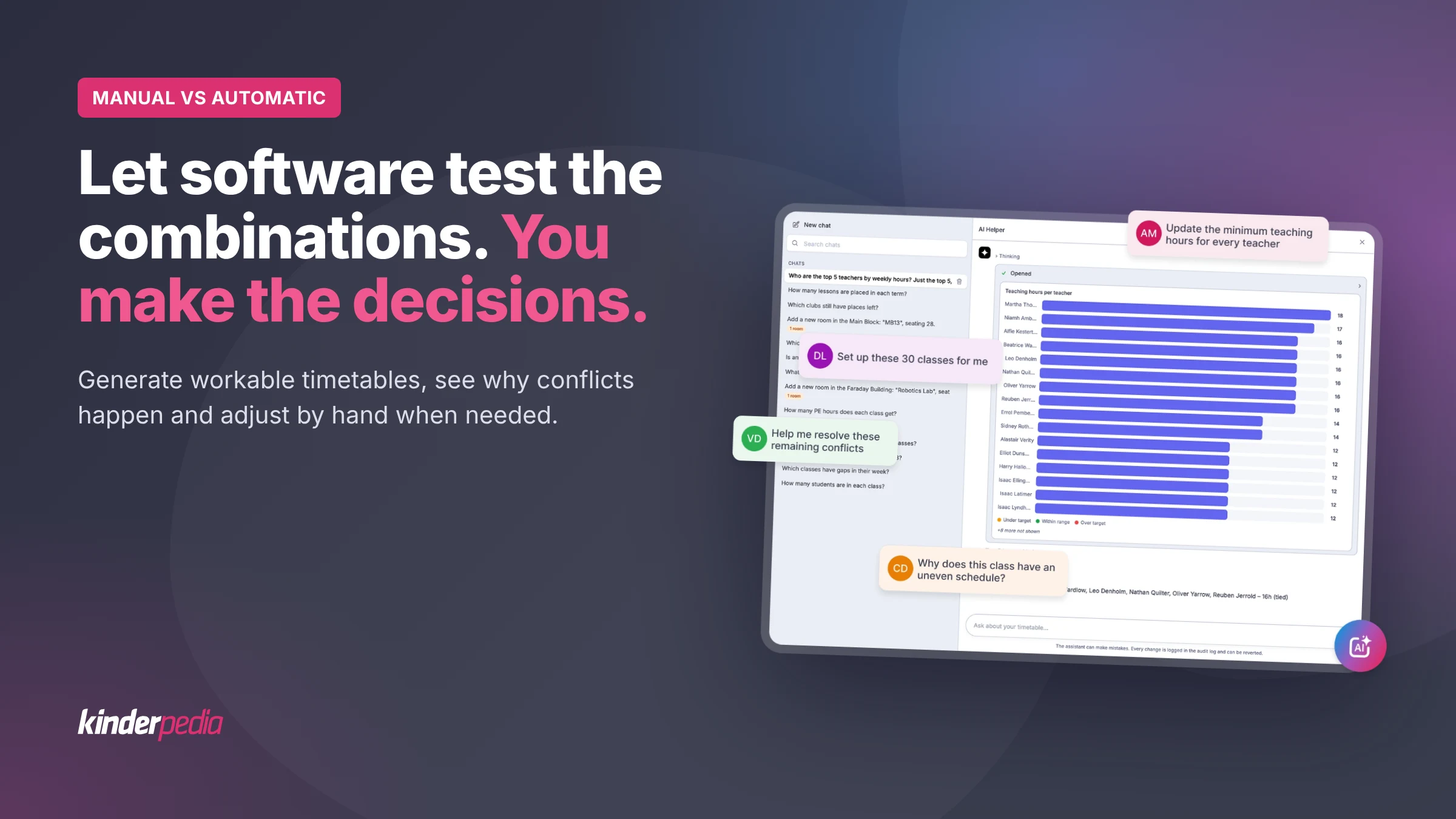
However, automation doesn't eliminate the need for human judgement. School leaders still decide which priorities matter, which compromises are acceptable, and whether a timetable genuinely supports the people who will use it.
That's the approach behind Kinderpedia Smart Timetable. Schools can define their scheduling priorities, generate workable timetables, identify conflicts, and make manual adjustments when necessary. The goal is to reduce repetitive work while keeping important decisions in the hands of the school team.
And because Smart Timetable can be used within Kinderpedia, the scheduling process doesn't have to end with exporting another spreadsheet.
What to look for in a school timetable generator
Not all school timetable generators are designed for the same level of complexity. Before choosing a solution, start with the realities of your school.
Do you have teachers working across several campuses? Multiple shifts? Optional subjects? Specialist rooms? Different timetables for different semesters? The best scheduling software is the one that can accommodate the way your school actually operates.
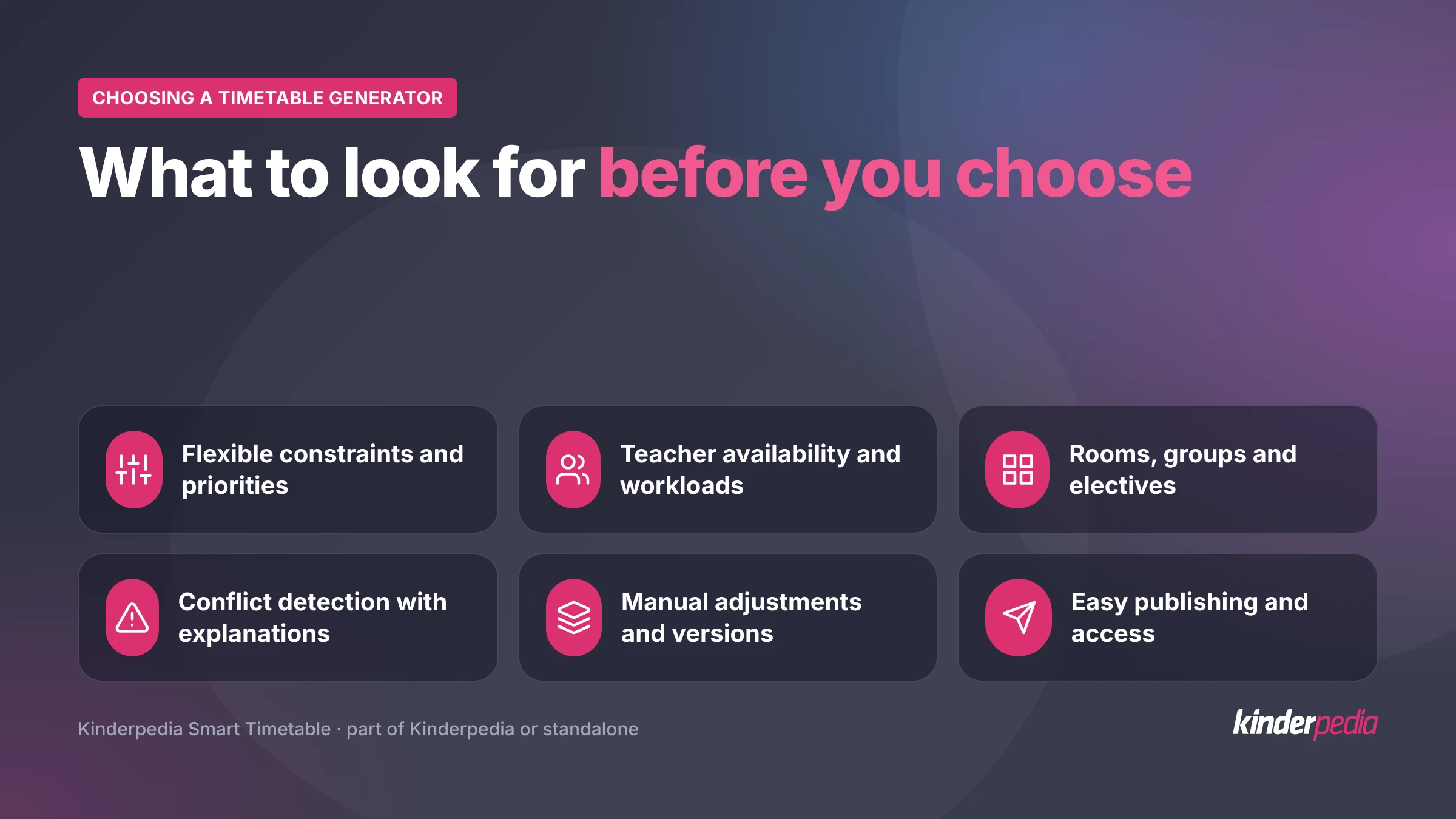
Look for a solution that supports:
- Flexible constraints and priorities, so you can distinguish essential scheduling rules from preferences.
- Teacher availability and workloads, including part-time staff and teachers working across multiple schools.
- Rooms, groups, and electives, particularly when several activities need to run simultaneously.
- Conflict detection and explanations, so your team understands why certain arrangements aren't possible.
- Manual adjustments and version management, because changes are inevitable during the school year.
- Easy publishing and access, so everyone can follow the correct timetable.
It's also worth considering what happens after the timetable is generated. Will you need to transfer the information into another system? Will changes have to be updated in several places? Can you easily publish a new version without confusing the school community?
A solution such as Kinderpedia's school timetable generator addresses both sides of the challenge: building a workable schedule and keeping it connected to everyday school operations. Smart Timetable is available as part of Kinderpedia or as a standalone solution, depending on what your school needs.
A school timetable is only useful when everyone knows which version to follow
A timetable isn't a document you create once and forget. It shapes the daily experience of students, teachers, administrators, and families.
When lessons run smoothly, teachers know where they need to be, and everyone has access to the right information, the timetable becomes almost invisible. And that's a good thing.
Nobody should have to spend the first weeks of school wondering which classroom they're supposed to be in or whether yesterday's schedule still applies.
If you remember one thing about how to create a school timetable, let it be this: the best timetables are built on accurate information, sensible priorities, and enough flexibility to adapt when school life changes. They don't need to be perfect from the first attempt. They need to be workable, reliable, and easy to improve.
Frequently asked questions about school timetables
How do you create a school timetable step by step?
Start by collecting and validating your school data: classes, subjects, teaching allocations, rooms, and weekly lesson requirements. Separate essential constraints from preferences, then schedule the hardest requirements first, such as teacher availability, specialist rooms, electives, and split groups. Generate a workable draft, review it from the perspective of students and teachers, test it for conflicts, and publish one official version.
What is the difference between hard constraints and soft constraints in a timetable?
Hard constraints are rules that must always be respected, such as a teacher not teaching two classes at once, a lab not hosting two groups at once, or a class receiving all its required lessons. Soft constraints are preferences, such as avoiding early starts on Fridays or scheduling double lessons on certain days, which can be adjusted when the schedule becomes too restrictive.
Is an automatic timetable generator better than building a timetable manually?
For small schools with few classes, a manual timetable built in a spreadsheet can work. As the number of teachers, rooms, groups, and restrictions grows, an automatic school timetable generator saves time by testing many combinations, highlighting conflicts, and proposing workable options. School leaders still make the final decisions about priorities and compromises.
How do you handle teachers who work at several schools?
Collect their availability early, including the days they are at your school and the travel time between locations, and enter it as an essential constraint before generating the timetable. This prevents a valid-looking schedule from becoming impossible to follow once the school year starts.
What should you look for in school timetable software?
Look for flexible constraints and priorities, support for teacher availability and workloads, rooms, groups and electives, conflict detection with clear explanations, manual adjustments and version management, and easy publishing so everyone follows the same timetable. It also helps if the timetable is connected to your school management system, so changes don't have to be updated in several places.
Build a timetable your whole school can rely on
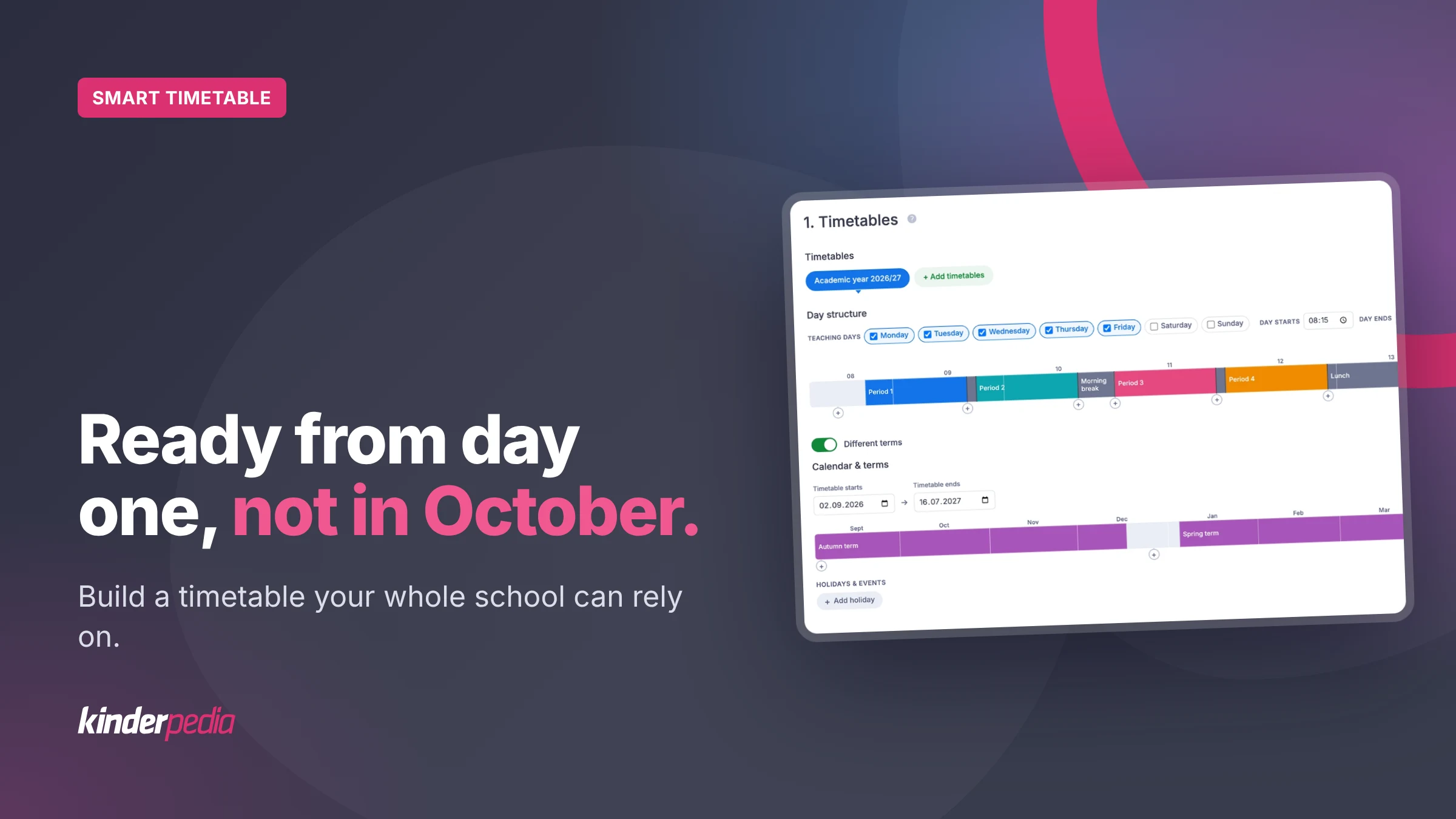
Now that you know how to create a school timetable step by step, don't just generate one. Build one your whole school can rely on.
With Kinderpedia Smart Timetable, your team can spend less time juggling scheduling conflicts and more time preparing for a great start to the school year.
Explore Smart Timetable and see how your school can have a working schedule ready from day one, not in October.