
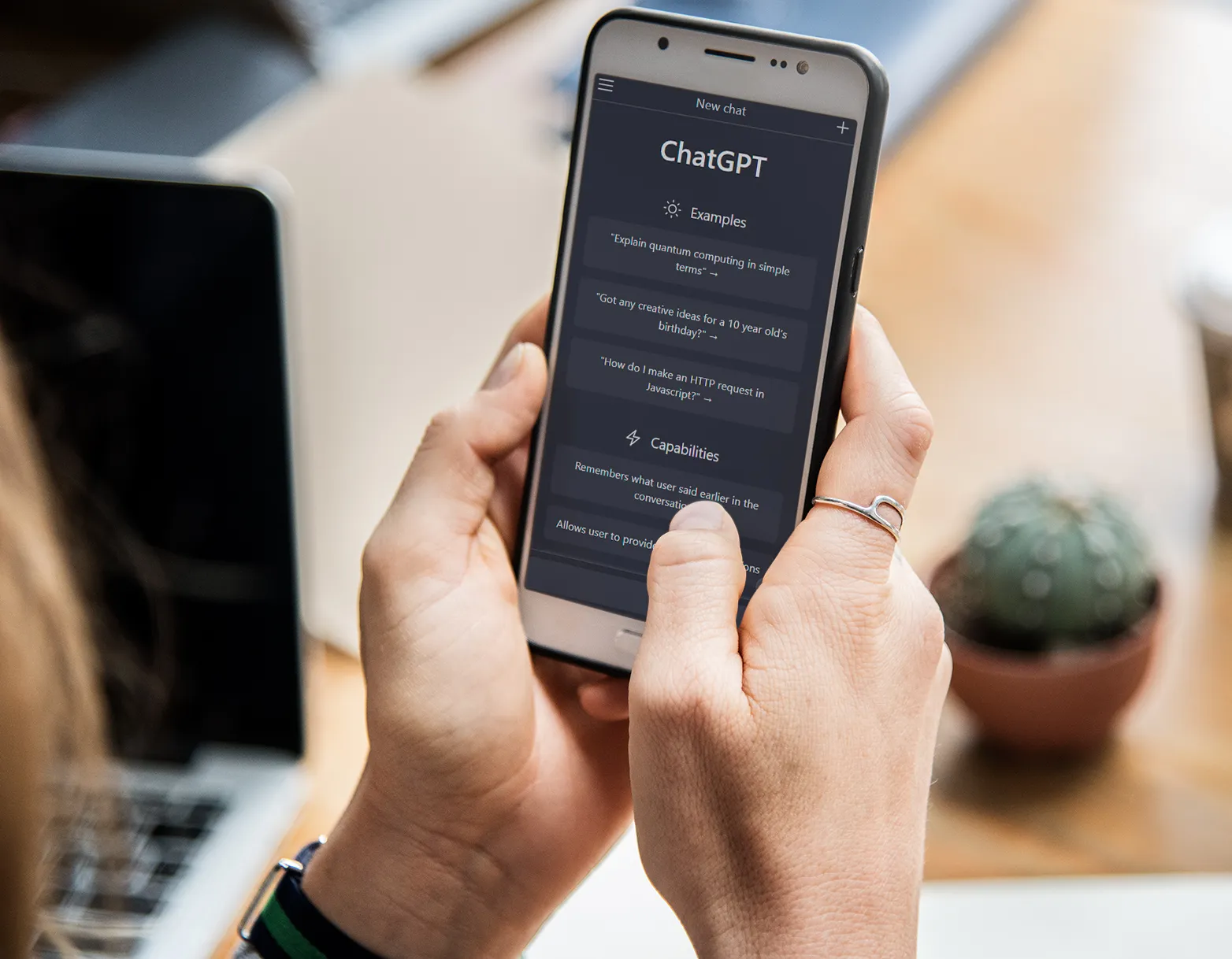
ChatGPT in the Classroom: Practical Guide for K-12 Teachers
Using ChatGPT in the classroom helps teachers personalize learning, support student writing, generate ideas, and streamline feedback, while also teaching digital literacy and responsible AI use. When introduced with clear guidelines, ChatGPT becomes a powerful tool that enhances, not replaces, critical thinking and creativity.
TL;DR: What K-12 teachers need to know
- ChatGPT works best as a teaching assistant, not a shortcut for students.
- It supports differentiation, feedback, explanations, and lesson preparation.
- Responsible use requires explicit modeling, transparency, and age-appropriate rules.
- Multi-modal assessments reduce AI misuse and promote authentic learning.
- AI platforms like Kinderpedia complement ChatGPT by simplifying monitoring, communication, and progress tracking.
I still remember the first time a primary teacher told us, “I asked ChatGPT to explain fractions like I would to an 8-year-old and my students finally got it.” Moments like that keep showing up across classrooms. Teachers aren’t looking for magic; they’re looking for tools that save minutes, deepen understanding, and help kids grow in a world where AI won’t disappear.
ChatGPT can absolutely be that tool, when we use it intentionally.
Let’s explore how.
What is ChatGPT and what does it mean for a modern classroom?
Short answer:
ChatGPT is a conversational AI that generates human-like responses and ideas. For K–12 teachers, it’s essentially a flexible assistant, able to explain, rewrite, summarize, brainstorm, or scaffold content.
When OpenAI launched ChatGPT in 2022, many educators worried: “Will students use it to cheat?” “Will it replace writing instruction?”
Those concerns weren’t wrong. Students have used AI to shortcut assignments. But what teachers are discovering now is far more meaningful: AI becomes a powerful classroom asset when teachers guide responsible use.
How to introduce ChatGPT responsibly in your classroom
Short answer:
Teach students that ChatGPT is a thinking partner, not a replacement for their own work. Clear rules + varied assessments + digital literacy = safe, productive use.
Here’s where most teachers start:
- Teach ethical, transparent use
- Ask good questions
- Verify information
- Edit and improve AI-generated drafts
- Cite AI assistance properly
- Diversify assessments, beyond essays.
- Presentations
- Concept maps
- Portfolios
- Group debates
- Real-world tasks
- Model how you use AI as a teacher
- How to turn a weak AI answer into a stronger one
- How to verify facts
- How to refine tone, clarity, or structure
Students need to learn how to:
A simple micro-story I heard from a teacher last month:
“My 6th graders now include a line under their writing saying, ‘AI helped me generate ideas for paragraph two, but I revised them in my own words.’ It changed everything. They’re honest, reflective, and better writers.”
To reduce AI-generated submissions, blend:
Research backs this shift. A study in the Journal of Educational Psychology - “The consequences of traditional assessment practices on diverse learners: A meta-analysis.” - confirms that varied assessment strategies help teachers evaluate more authentic learning, especially for students who struggle with traditional writing.
Show your class:
Kids learn ethical tech use the same way they learn reading: through guided practice.
Using ChatGPT to support classroom learning
How can ChatGPT help students summarize text?
Short answer:
Use it with students, not for them.
Try collaborative summarizing:
- Let AI generate a first summary
- Then students critique:
- What’s missing?
- What’s inaccurate?
- What should be clearer?
This transforms summarization into a critical thinking exercise, not a copying shortcut.
Can ChatGPT adjust explanations for different ages or abilities?
Short answer: Yes. and this is one of its superpowers.
Ask ChatGPT:
“Explain photosynthesis to a 7-year-old… now to a 12-year-old… now to a student learning English.”
The result?
Clear, differentiated explanations in seconds, without oversimplifying the science.
Teachers then personalize further, adding analogies, drawings, or manipulatives.
How ChatGPT accelerates constructive feedback
Short answer:
AI helps teachers give “just-in-time” feedback without the overwhelm.Paired with Kinderpedia (for classroom management and progress tracking and reporting), teachers can:
- Send quick, actionable comments
- Highlight strengths and next steps
- Track growth in one place
- Ensure families stay aligned with classroom goals
Meanwhile, students can use ChatGPT to:
- Ask for grammar suggestions
- Improve clarity
- Try rewrites in different tones
- Understand what “better writing” looks like
That combination of teacher insight + AI scaffolding keeps learning moving.
Short answer:
It’s a time-saver, not a curriculum.ChatGPT can propose:
- Lesson outlines
- Warm-up prompts
- Exit tickets
- Reading comprehension questions
- Bloom’s-taxonomy-aligned tasks
But the magic happens when teachers adapt these ideas to their classroom.
Example: A teacher asked:
“Give me five science experiment questions aligned to 4th-grade inquiry skills but using everyday household items.”
She used two, reworked one, and turned the fourth into a group project.
AI sparks ideas. Teachers make them meaningful.
Short answer:
Have students evaluate AI drafts before evaluating each other.This removes emotional risk and teaches:
- What makes writing clear
- How structure and evidence work
- How to give constructive critique
It also helps students realize:
AI doesn’t replace good writing. It depends on it.
Digital platforms like Kinderpedia include tools that help teachers:
- Log observations
- Spot learning trends
- Generate progress reports
- Reading comprehension questions
- Share insights with parents
This real-time visibility helps teachers support each child’s growth and becomes even stronger when students use AI tools to draft, reflect, or iterate.
Kinderpedia’s data dashboards complement ChatGPT’s learning support, giving teachers a full picture: AI supports learning; teachers guide the journey.
Every few decades, technology shifts the classroom: calculators, Wikipedia, Google Translate. Each one brought fear… then became indispensable.
AI is following that same path.
We are not preparing students for a world where AI is optional. We’re preparing them for a world where AI is normal.
And when teachers lead the way through modeling, questioning, experimenting, students learn to use AI with responsibility, creativity, and integrity.
| Focus Area | What to Do | Why It Matters |
|---|---|---|
| Ethical Use | Set clear rules; teach citations | Builds responsible digital citizens |
| Assessment Design | Mix formats; require reflections | Reduces misuse; boosts authenticity |
| Critical Thinking | Compare AI drafts with student edits | Teaches analysis, revision, ownership |
| Differentiation | Ask AI for age-appropriate explanations | Supports diverse learners |
| Teacher Workflow | Use AI + Kinderpedia for planning & feedback | Saves time and increases clarity |
About the Author: Maria Popescu
Maria Popescu is the Social Media Fairy at Kinderpedia, where she has spent more than three years supporting educator communities, amplifying teacher voices, and helping schools share meaningful stories about learning. She works closely with K–12 teachers to highlight innovations in education technology and is particularly passionate about the intersection of AI, creativity, and entrepreneurship. When she’s not managing Kinderpedia’s vibrant community channels, Maria moderates panel discussions, mentors young creators, and explores how digital tools can empower more engaged, confident learners.
Find what you're looking for

Kinderpedia
The complete communication and management solution for schools and childcare centres.
Simplifies teachers' work and brings parents closer to their children's school progress.

Recommended articles


Want to improve your center quality? Kinderpedia is here to help! Not only do we provide thousands of informational content pieces like blog posts, podcasts, webinars and more, we are also makers of the #1 Rated and Reviewed Childcare Software.
Related Posts


School Management Software for
Management Information System
Kinderpedia a K12 software
São Paulo - SP, 04723-000, BR
1950-406 Lisboa, PT
010233 Bucharest, RO
6340 Baar, CH
Abu Dhabi, UAE
London E14 5RE, UK